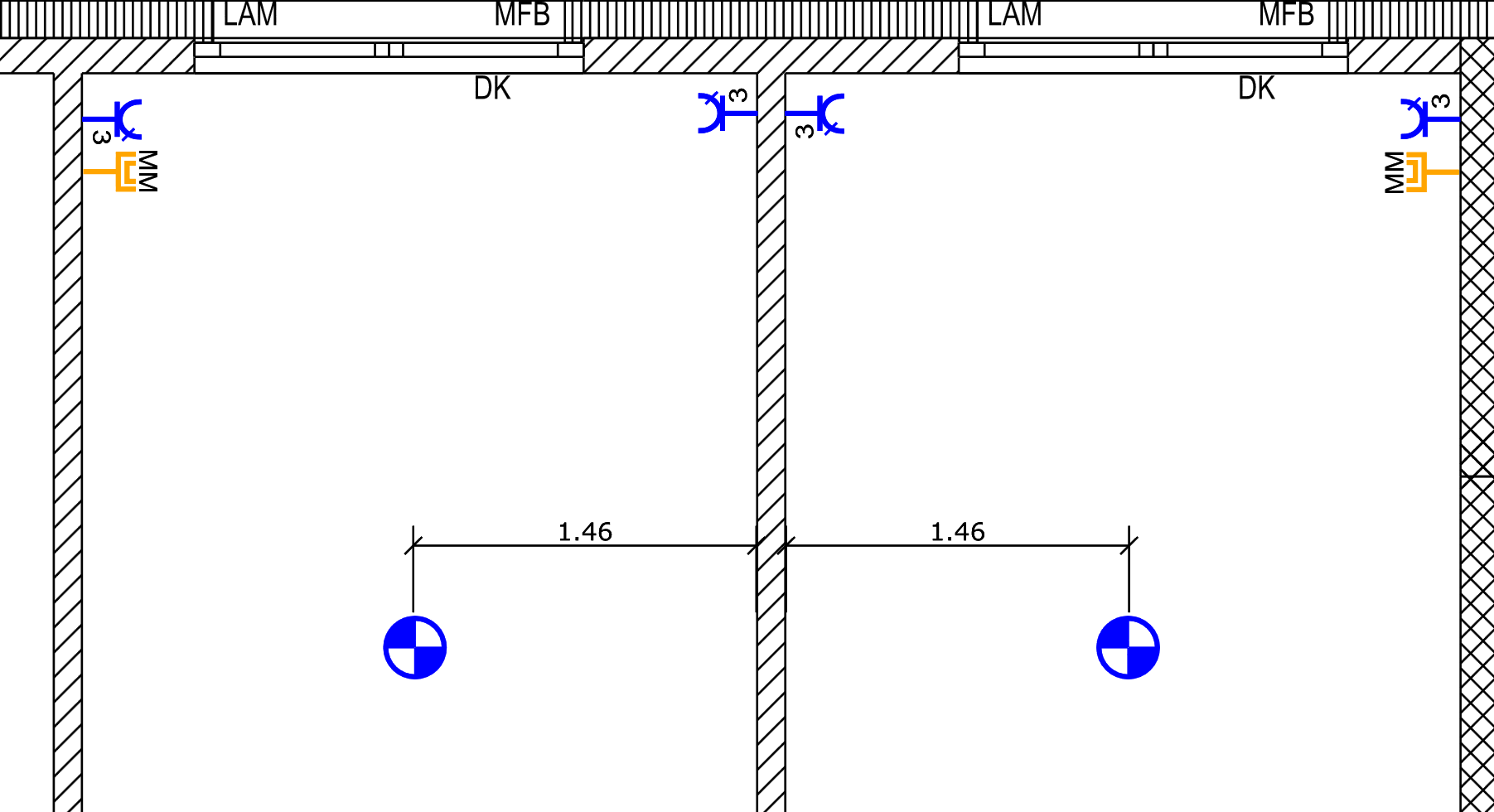
Various transformation tools are available in the RED CAD app. The most important transformation tools include Mirror Selection and Rotate Selection.
The transformation tools are located in the Draw tab and in the industry tabs (electrical, HVAC, etc.) and can be accessed via Transform.
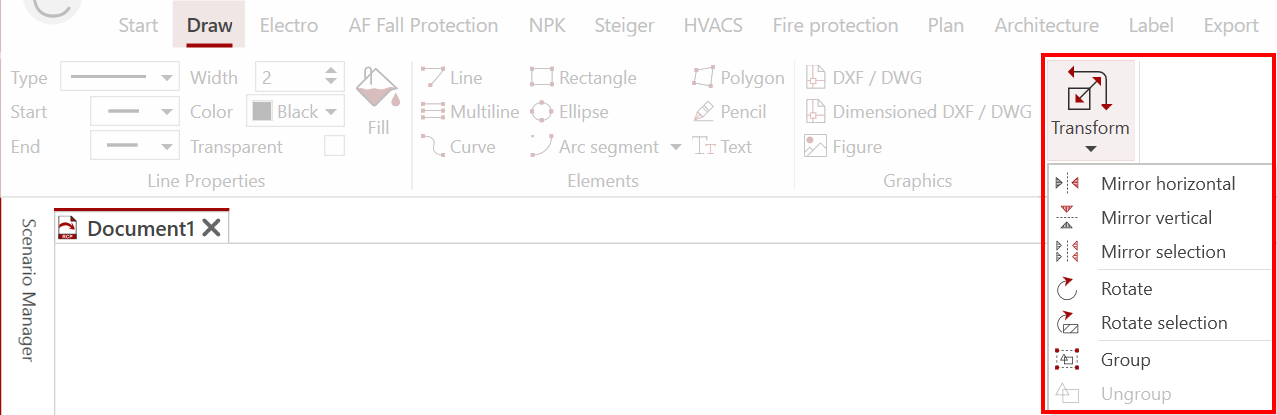
¶ Mirror Selection / Rotate Selection
Both functions are performed in the same way.
-
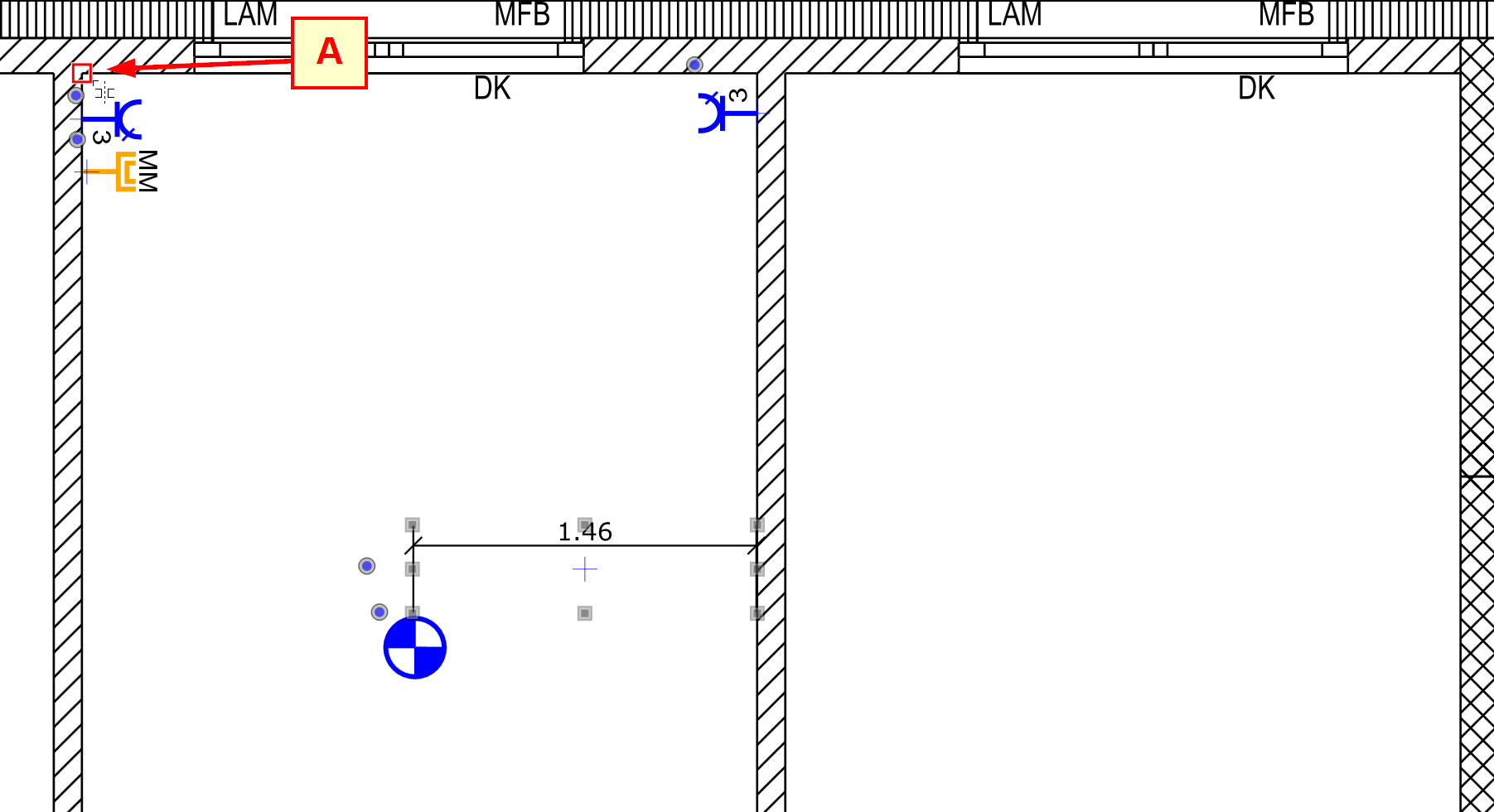
Select all objects that are to be mirrored or rotated
-
Select the function Mirror selection or Rotate selection.
-
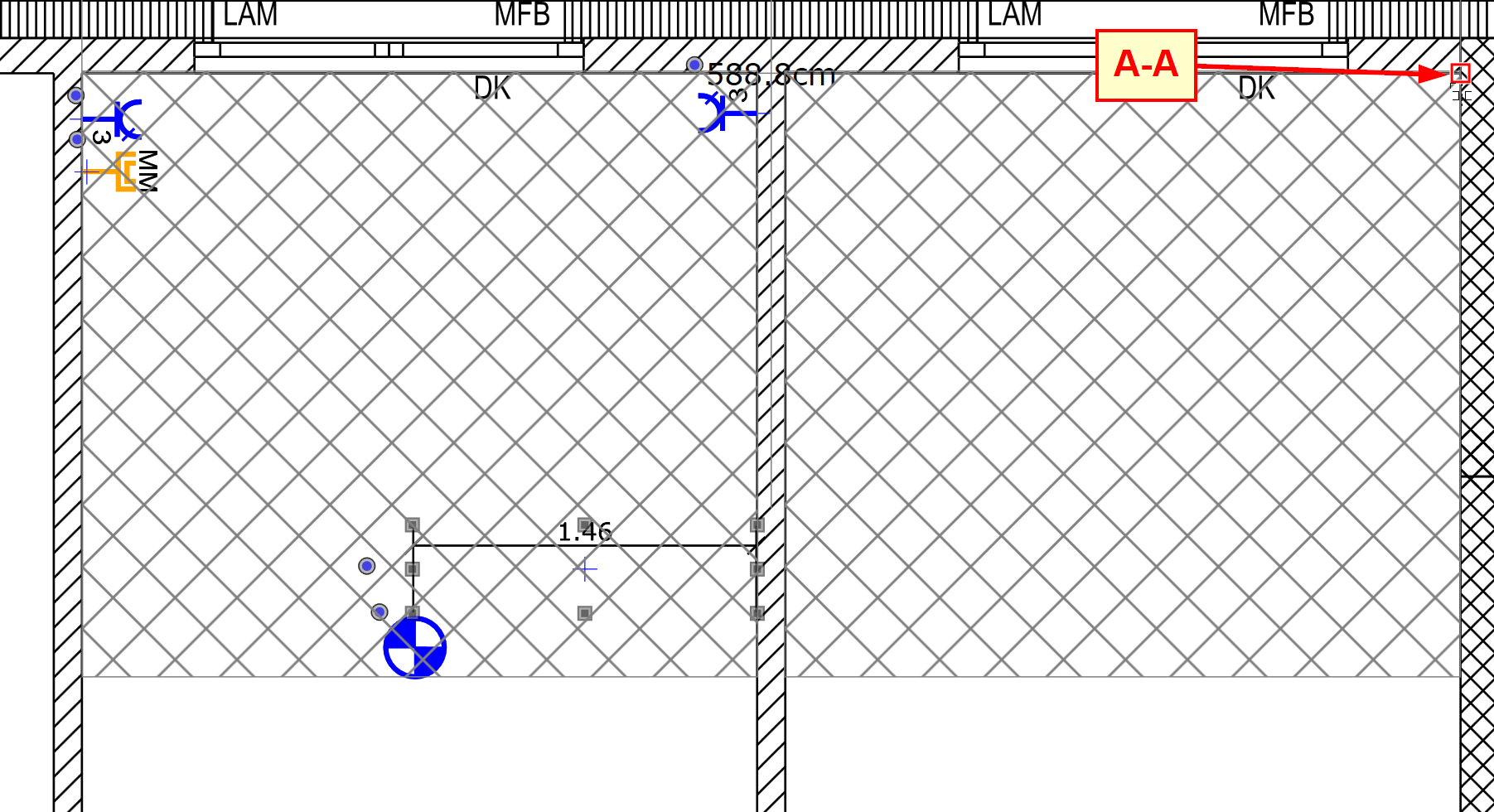
Set the starting point mirror or pivot point (A) by left-click
(Mirror or pivot point can be freely selected)
-
A hatched rectangle indicates which objects will be mirrored or rotated.
-
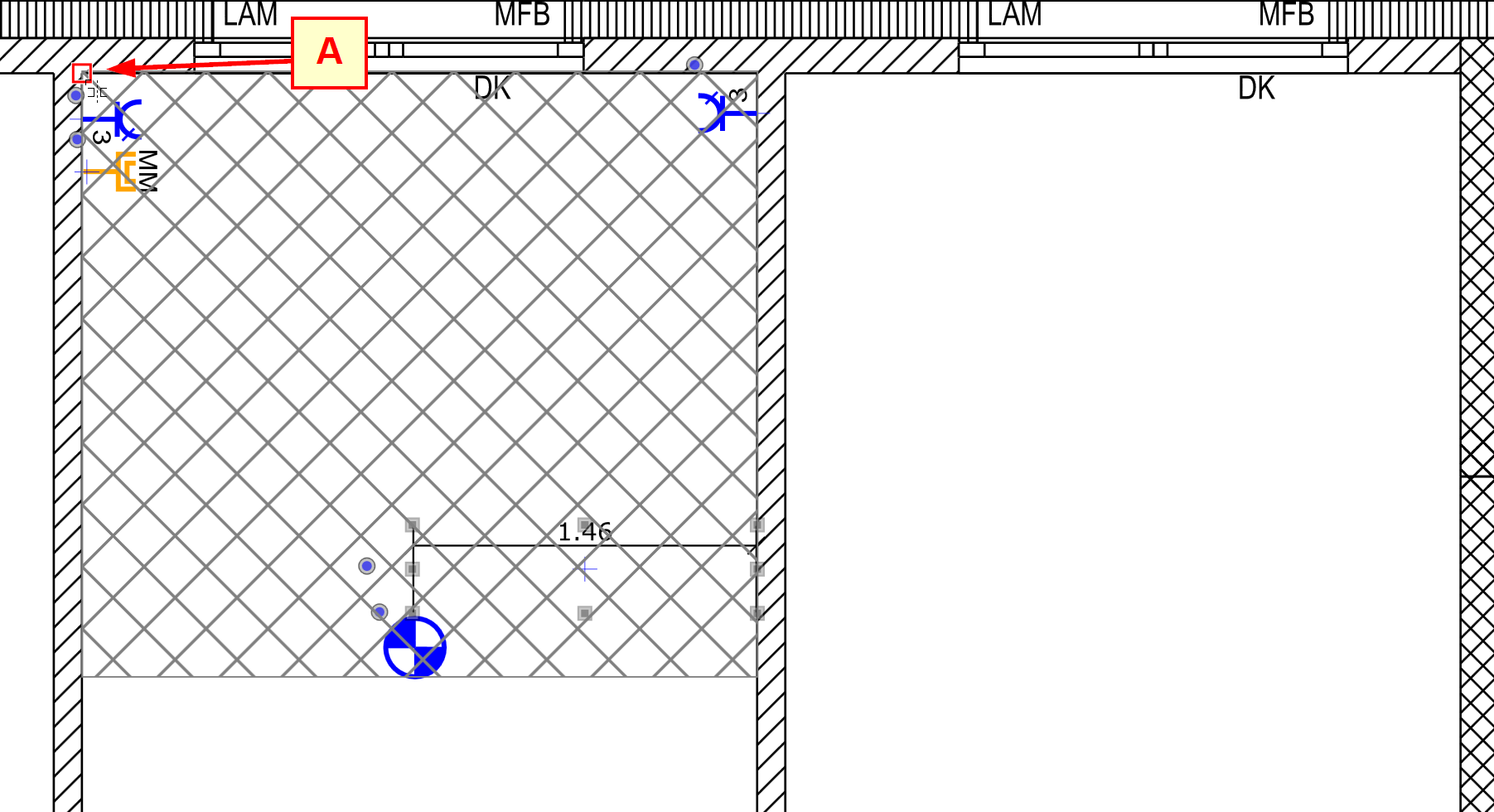
When you move the mouse, a second hatched rectangle appears, representing the target position of the mirrored or rotated objects.
Move the mouse pointer to the end point mirror or rotation point (A-A) and confirm with left click.
-
All objects are now copied and placed in mirrored or rotated form.