The License Information window (also called the Activation window) is responsible for activating and managing the license.
This window appears when you launch the RED CAD APP for the first time or if you encounter problems verifying/retrieving the license.
Check the status bar whenever you activate or encounter problems.
You can open this window at any time to review your license information or change your license.
You can also request a demo license and view the system ID (the hardware ID generated by an algorithm).
The License Information window is divided into the following tabs: Single/Flexible License, Network, and Demo.
¶ Overview
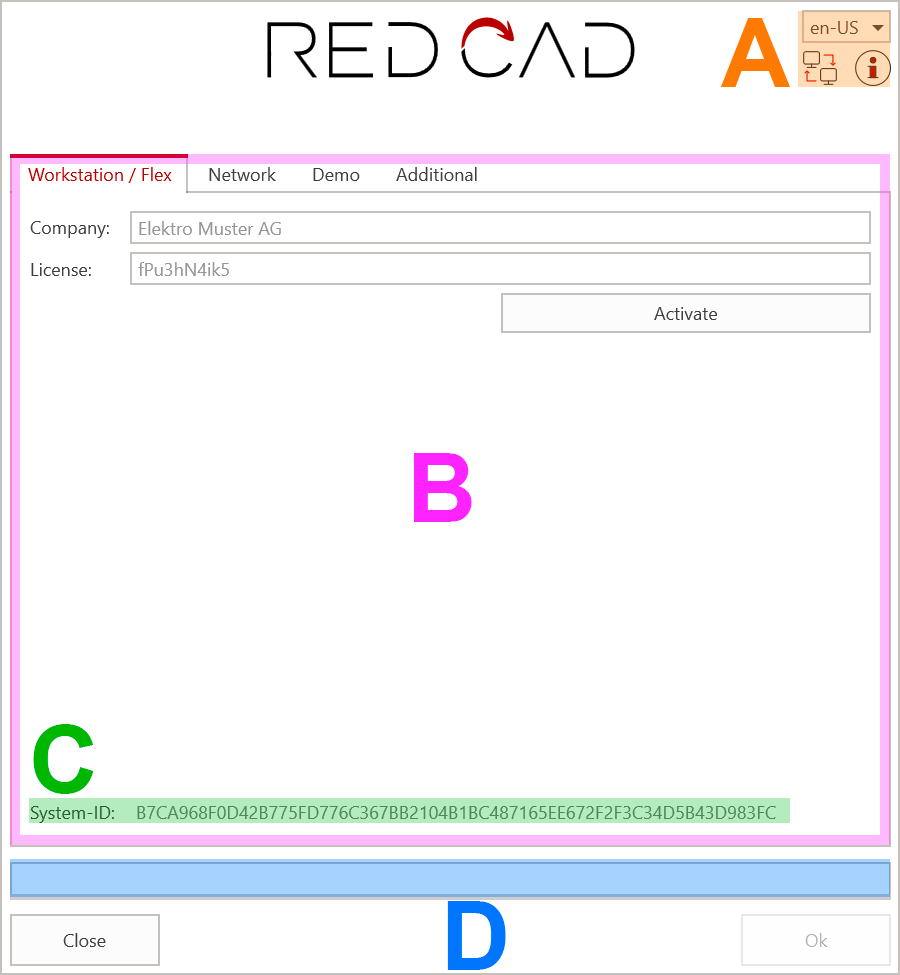
(A) Language selection / Quick Support / Help - (B) Tabs and their contents - (C) Generated System ID - (D) Status bar
¶ Single / Flex License
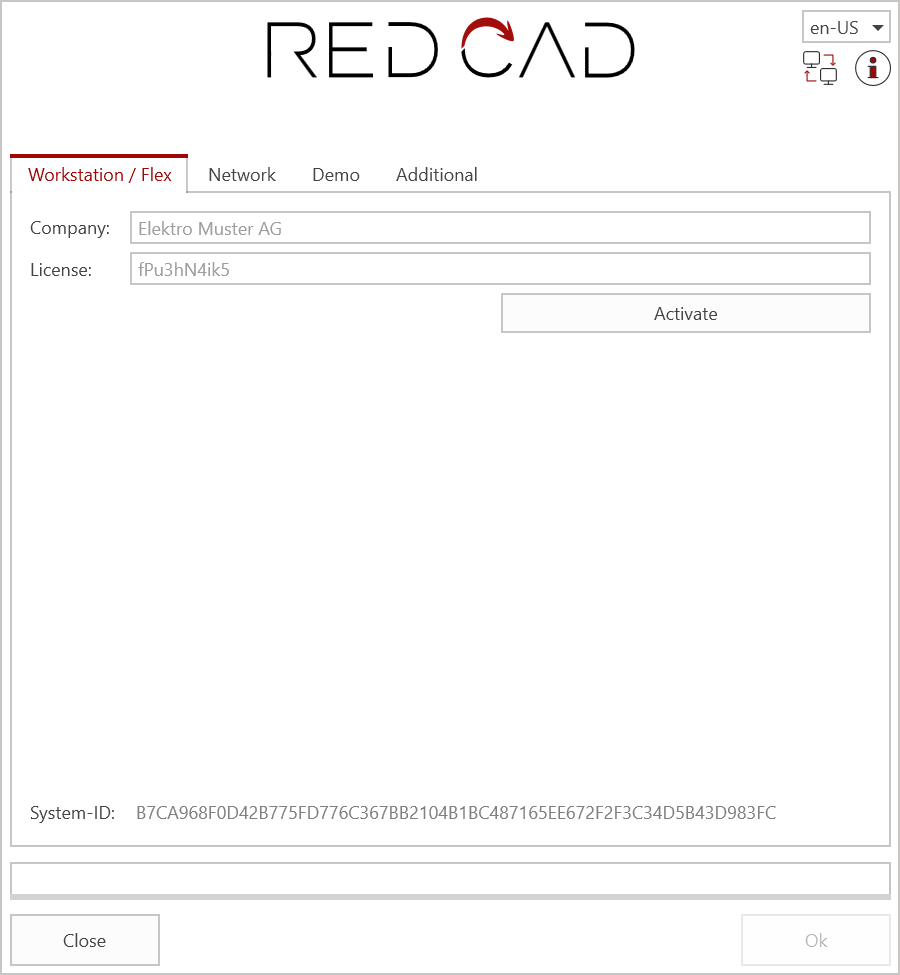
- Company: Input field for the company name according to the license certificate
- License Number: Input field for the license number according to the license certificate
- Activate: button to execute the activation
¶ Network
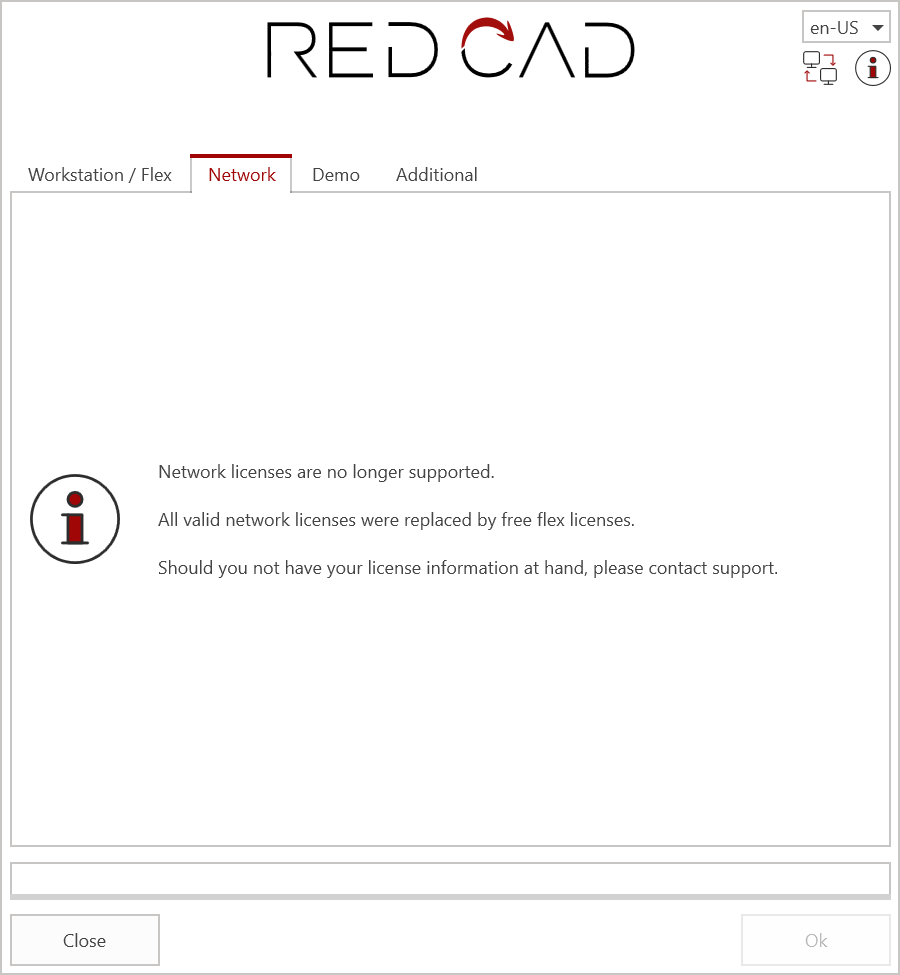
Network licenses are no longer supported since version 3.22.xx.xx and since the beginning of 2023.
All valid network licenses have been replaced with Flex licenses and delivered to the corresponding licensees. The range of functions remains the same.
If you do not have your license data, please contact our support.
Contact:
Email: [email protected]
Hotline: +41 (0)61 508 35 35
You can find out how to switch to the Flex license under Activation
¶ Demo
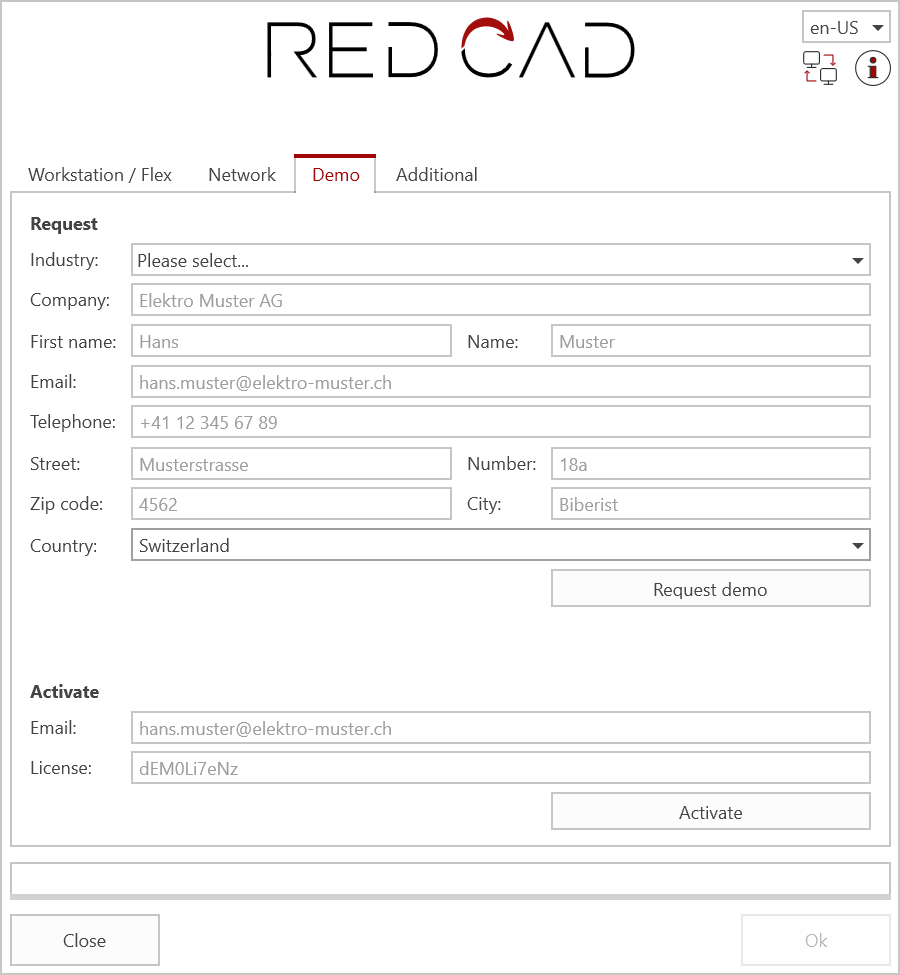
After installation, a demo license can be requested and activated directly using this form.
The license number will be sent automatically to the email address provided.
¶ Apply
- Industry: Selection field for the desired demo license.
- Address input fields: All input fields are required.
- Request Demo: Button to apply for the demo license.
¶ Activate
- Email: Input field for the email address specified when applying for the demo license.
- License: Input field for the demo license that was sent via email.
- Activate: Button to execute the activation.