The Properties window is an important control unit for manipulating, changing, or adjusting already placed objects. The object's customization options are only displayed when the object is selected.
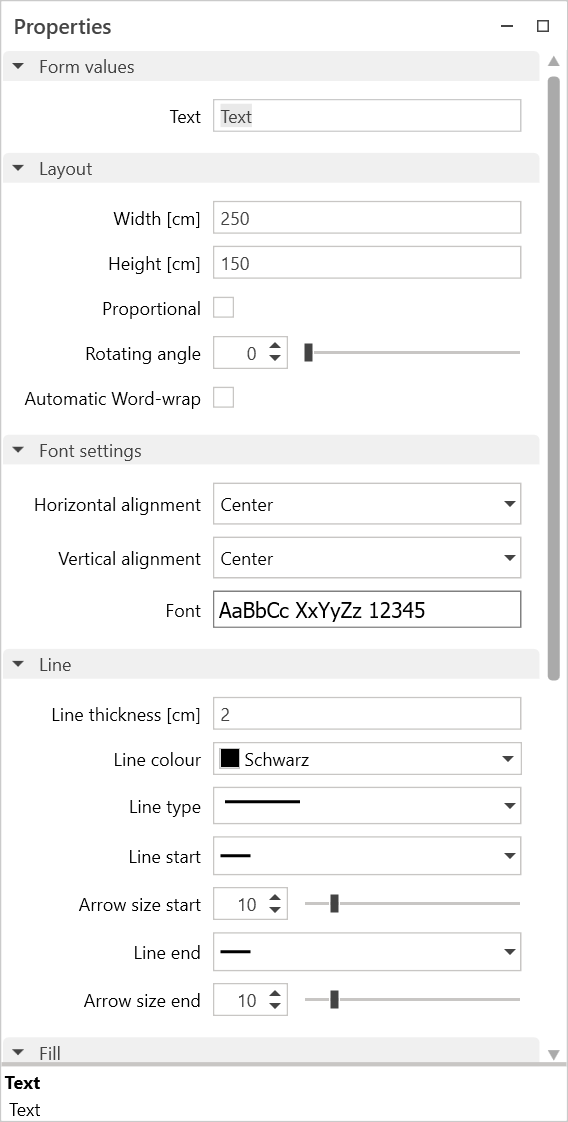
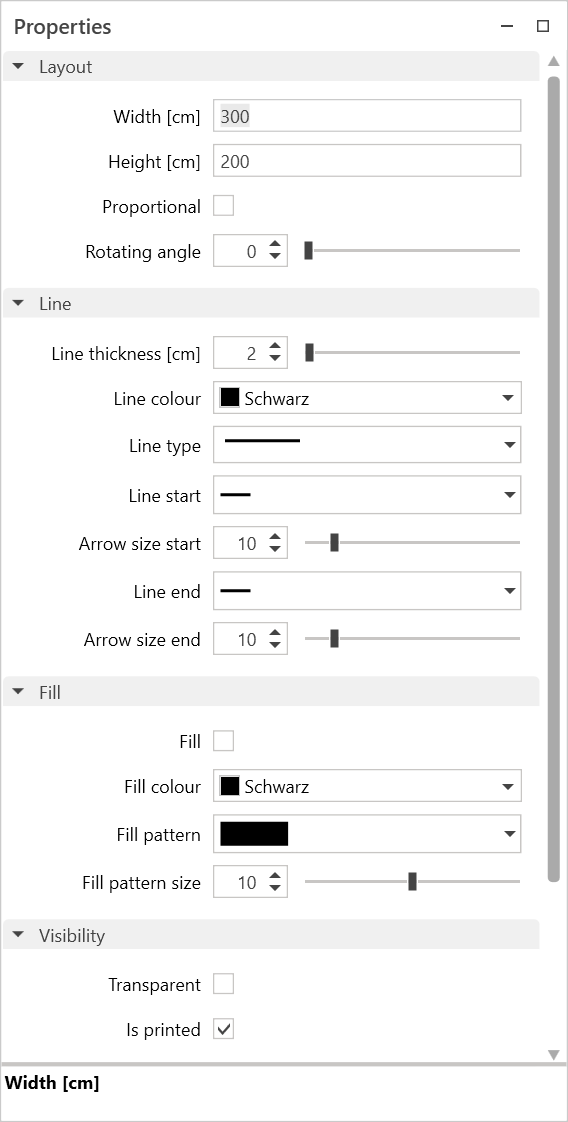
The properties are used to:
- Modify objects
- Adjust the appearance of elements/objects, such as color, line thickness, etc.
- Enable or disable options for imported files (PDF, DWG, DXF).
- Change the input of text in text fields, as well as the font and text size.
- Labeling label objects such as title blocks
- Customizing symbols
If several different object types are selected together, such as symbols and text boxes, only the properties that apply to both objects are displayed.
If several identical objects are selected that have different values, e.g., for color or width, the value in the properties is displayed either as 0 or empty. Changing the value will then give all objects in the selection the same value.